

Additional Features
More options
 Discuss with Marie
Notifications and News
Read app alerts and find out what's new in HeyFriday.
Notifications
The bell icon at the top of the bar on the left edge shows a colored dot when you have unread notifications. Click it to open the Notifications panel.
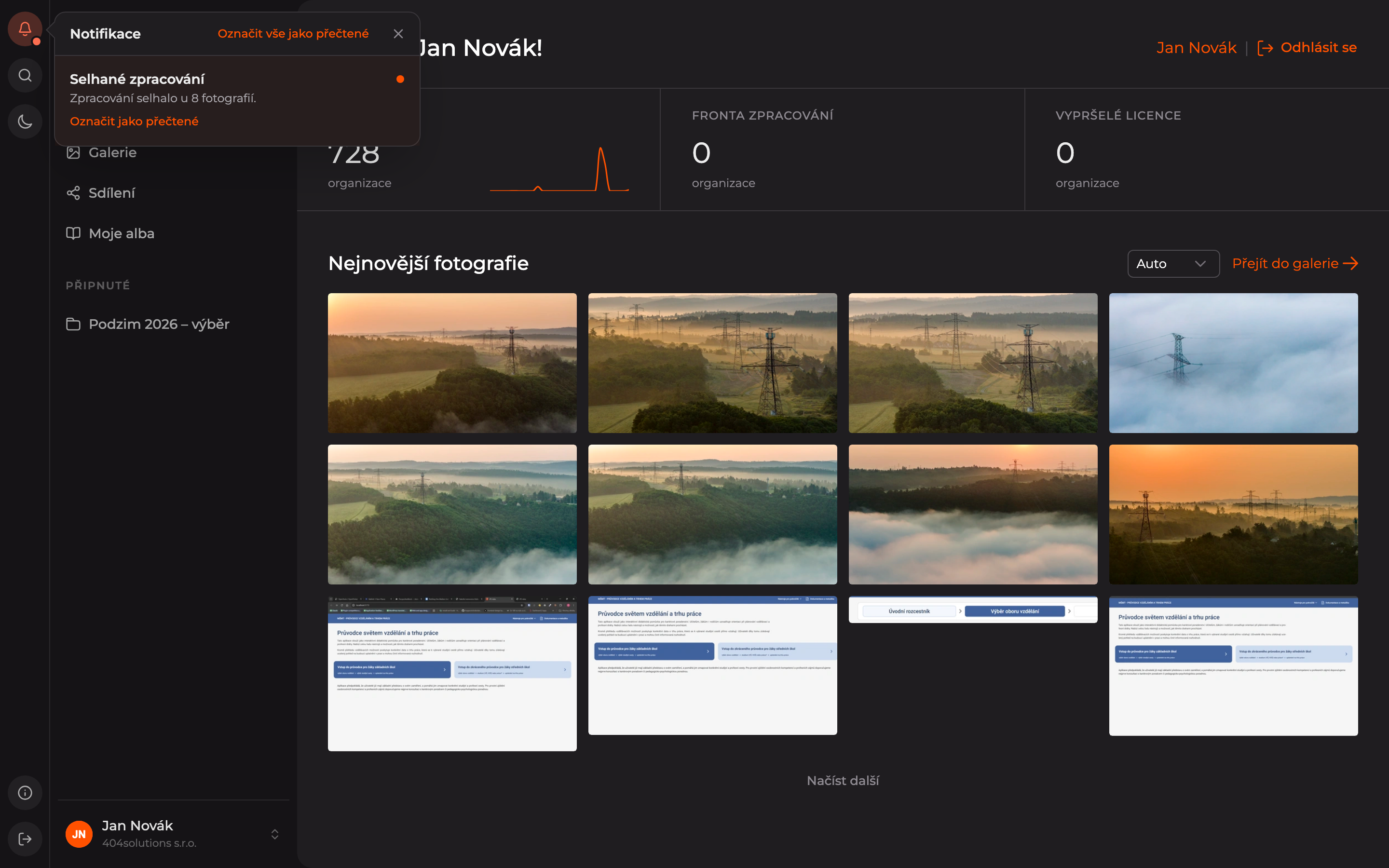
HeyFriday notifies you, for example, about Failed photo processing — what to do about it is described in Processing Queue. Use the Mark as read link to mark a single notification, or Mark all as read to mark all.
What’s New
After a major update, the What’s New window will appear automatically. You can open it anytime by clicking the What’s New icon (an i in a circle) at the bottom of the bar on the left edge.

Click the Show more button to expand details, and the Got it button to close the window.
Updated