

Gallery and Folders
More options
 Discuss with Marie
Creating a Folder
Create a new folder inside the one you currently have open.
A new folder is always created inside the folder you have open.
Open the Parent Folder
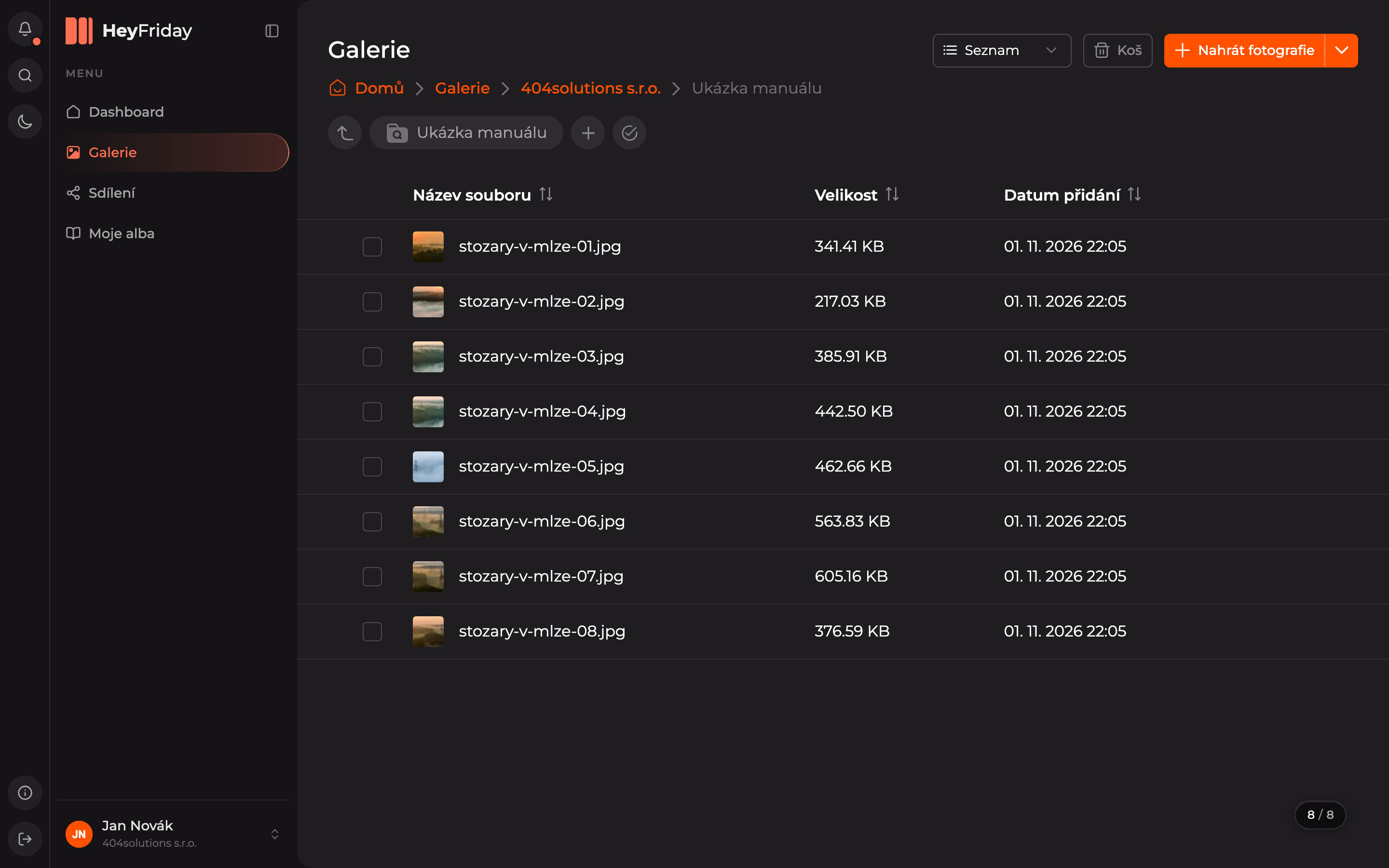
In the gallery, open the folder where you want to add the new folder.
Click the Plus Button
Next to the current folder’s name, click the + icon (Add Folder).
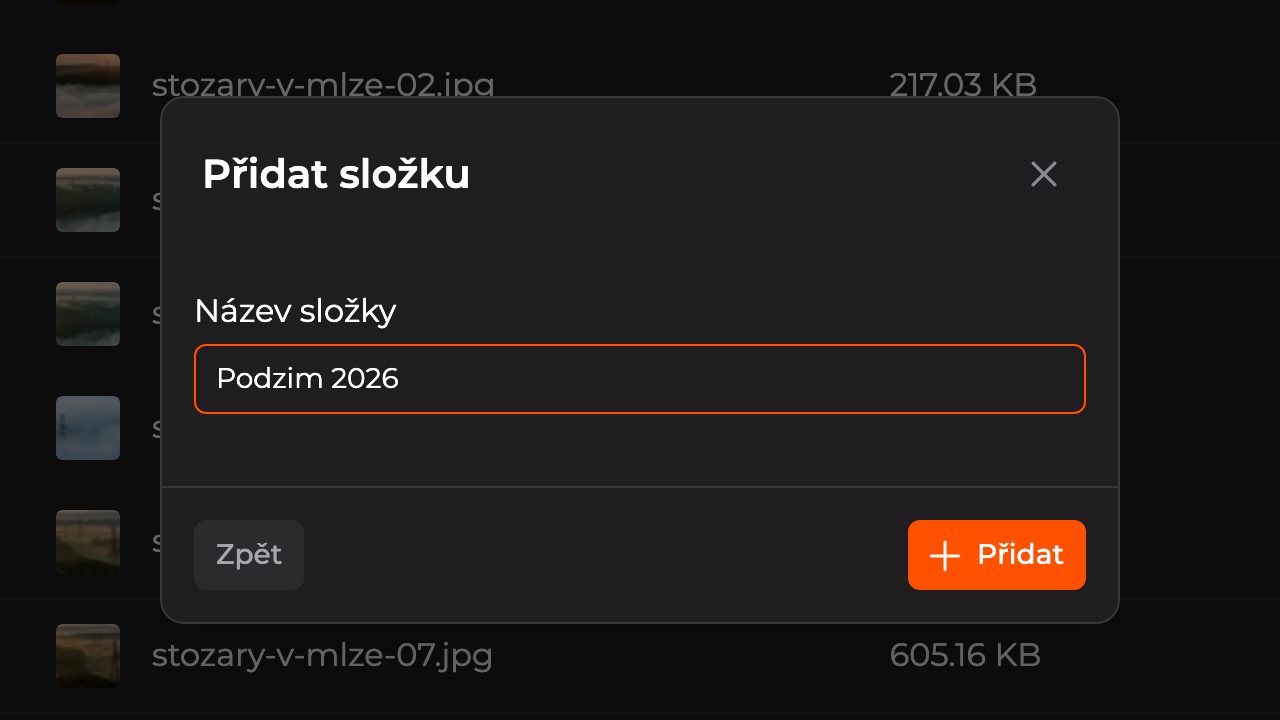
Name the Folder
Enter the folder name in the Folder Name field and click Add.
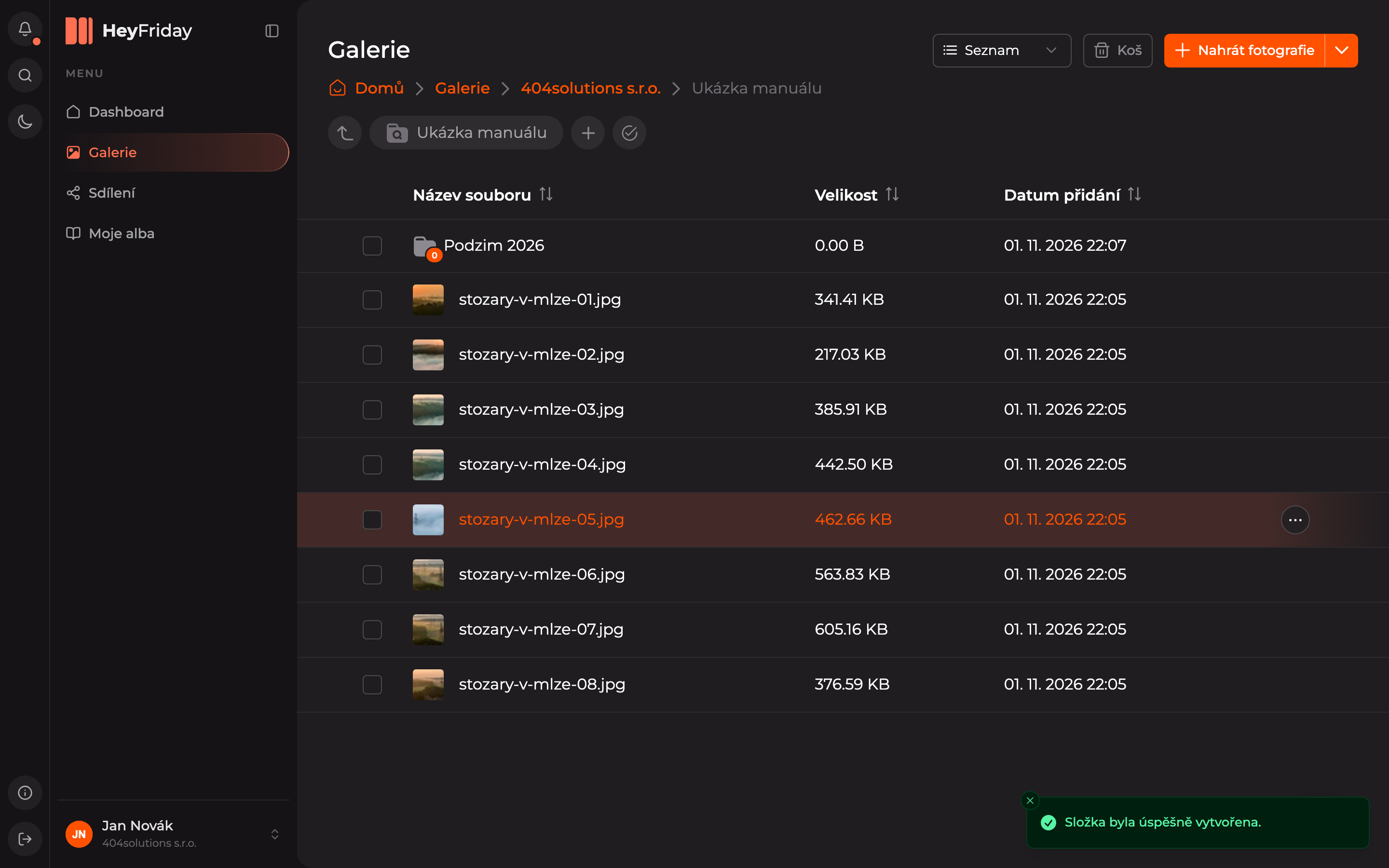
The new folder will appear in the list. You can now upload photos into it.
Updated