

Getting Started
More options
 Discuss with Marie
Login
Log in with the email and password provided by your organization's administrator.
Your account is created by your organization’s administrator. Login credentials will be sent to your email — you cannot register yourself in HeyFriday.
Open HeyFriday at app.heyfriday.cz. The link leads directly to the login page.
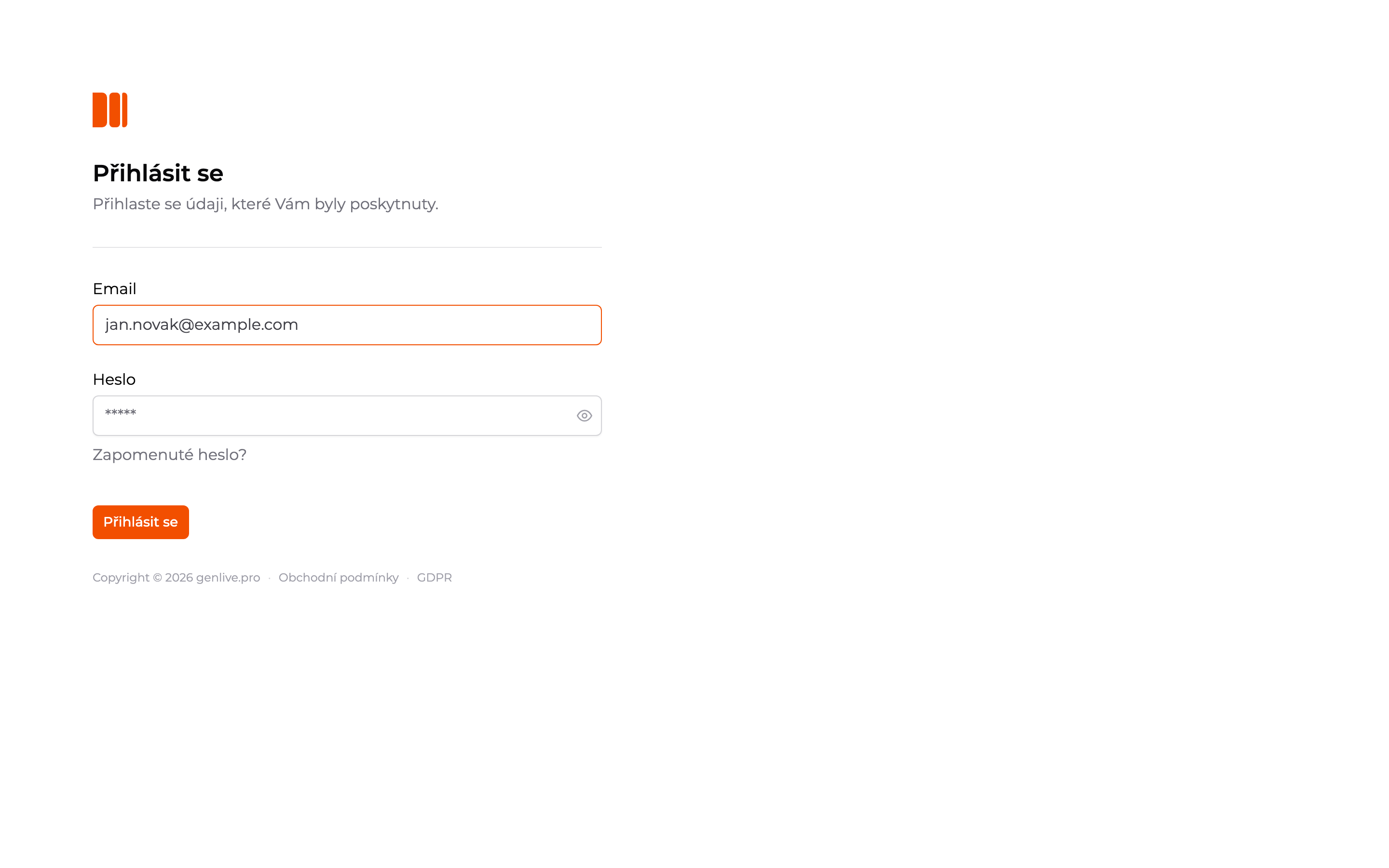
Enter your email and password
On the login page, fill in Email and Password and click Log in. You can reveal the password by clicking the eye icon at the end of the field.
Enter the verification code
If your account has SMS verification enabled, a 2FA verification window will open after entering your password. HeyFriday will send a six-digit code to the phone number, the end of which you will see in the window. Enter the code into the six boxes and click Confirm.
If you don’t receive the code, click Resend. The button is inactive for 30 seconds after each send and counts down the time. SMS verification is enabled for the entire organization — it is activated by the administrator.
After logging in, the dashboard will open. What you can find there is described in Getting Oriented in the App.
Forgotten Password
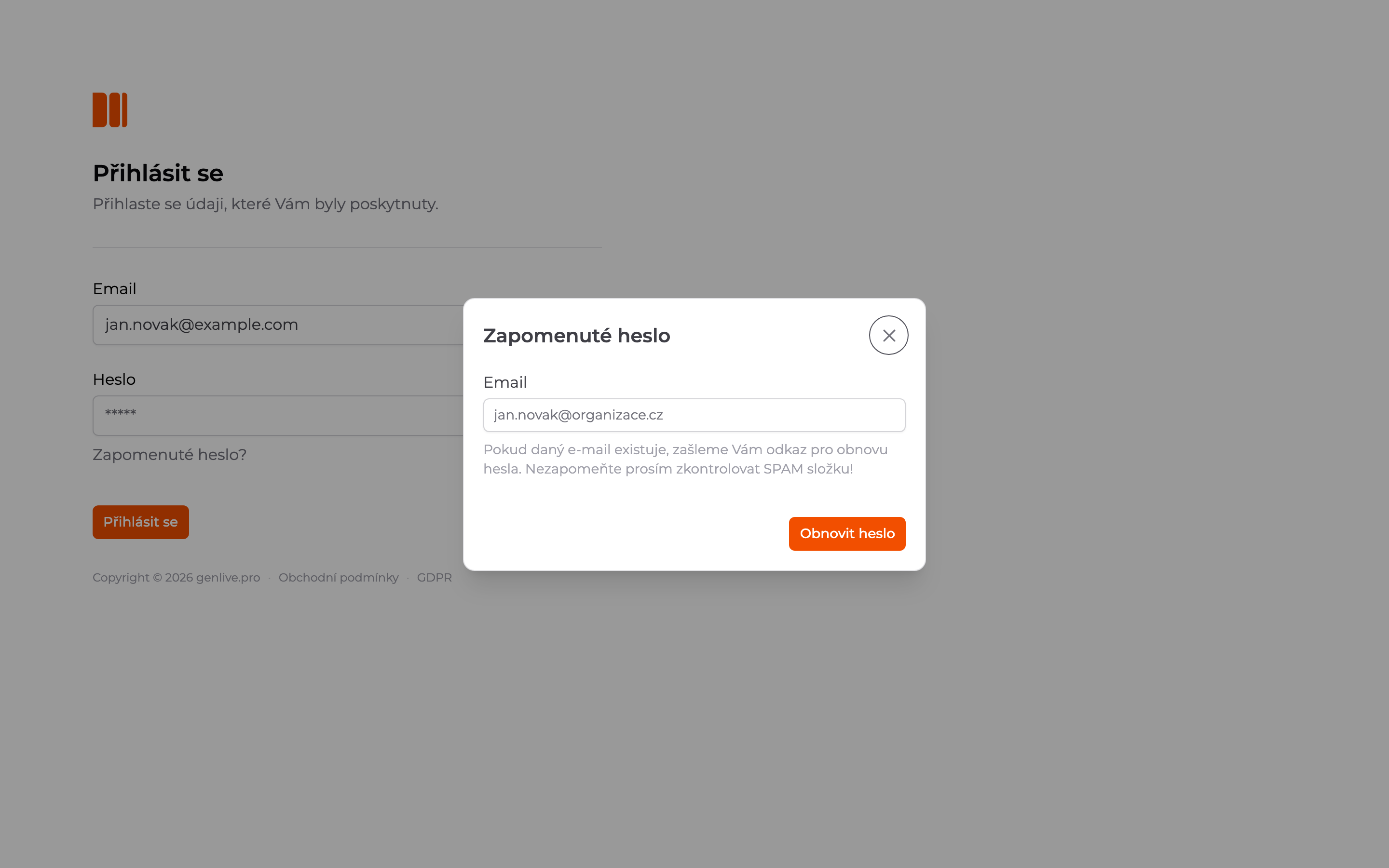
Below the Password field, click Forgot password?, enter your email, and click Reset password. If an account with this email exists, you will receive a link to set a new password.
Updated