

Sharing
More options
 Discuss with Marie
What the recipient sees
What a shared folder looks like to someone who opens the link without logging in.
When you share with the Anyone option, the recipient opens the link in a browser and does not need to log in or have a HeyFriday account.
Recipient opens the link
On the sharing page, they see the shared items. They open the shared folder by clicking its name.
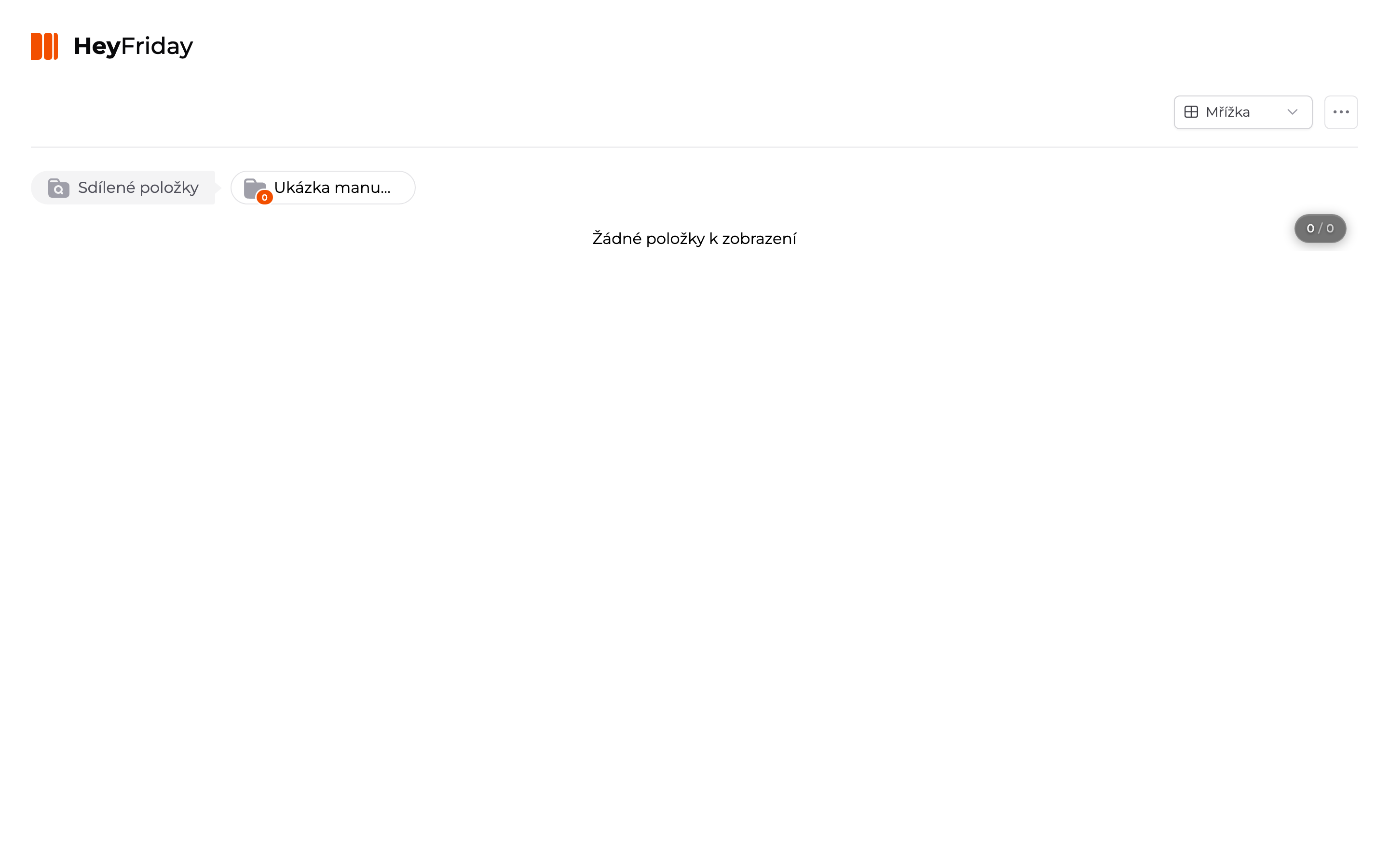
Recipient browses photos
Inside the folder, they see photos and subfolders. The view can be switched at the top right (for example, Grid).
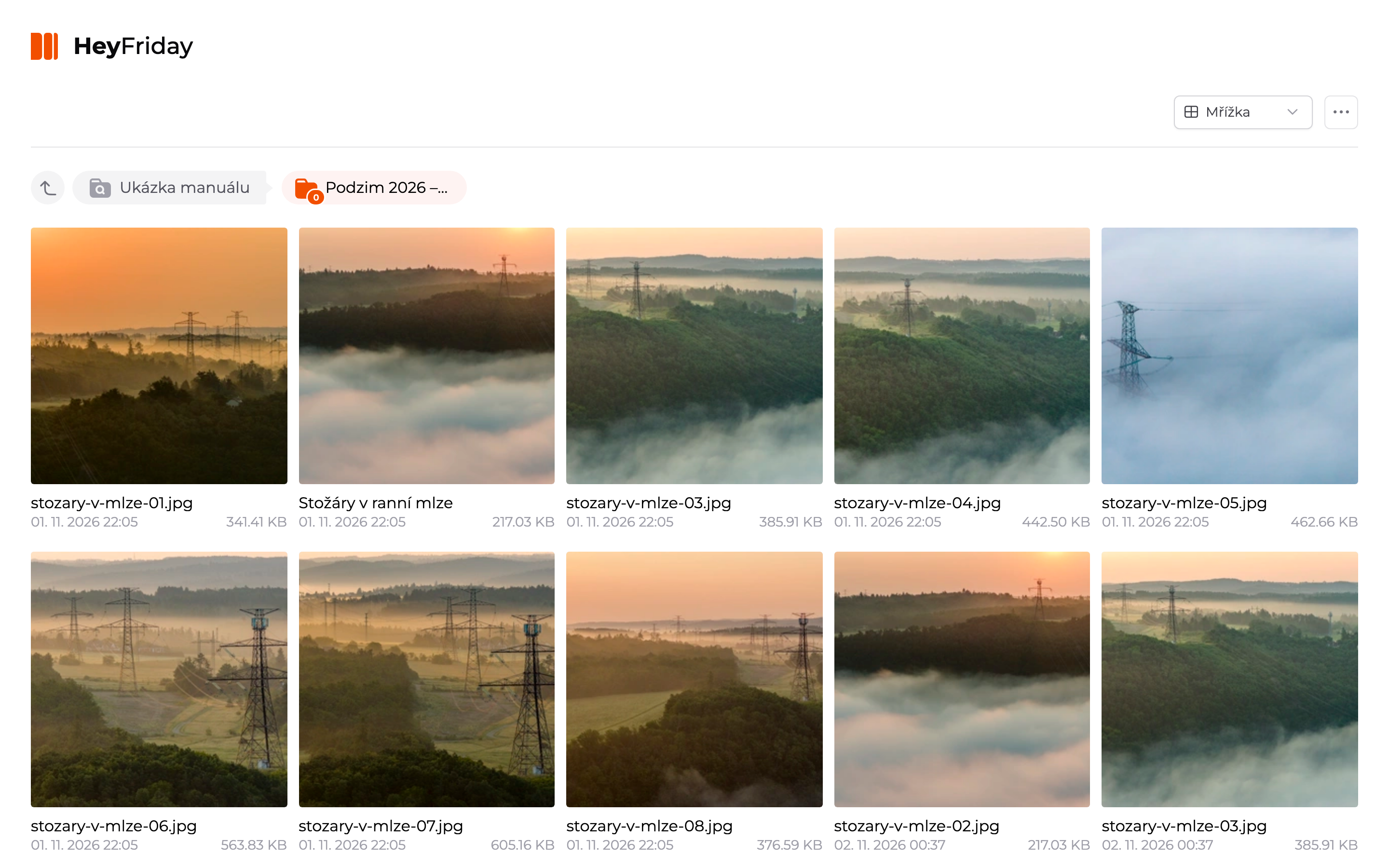
The recipient sees only what you shared — not the rest of your organization’s gallery.
By clicking a photo, the recipient opens its detail. They see the photo, title, description, tags, license, and metadata. They navigate to other photos using arrows.
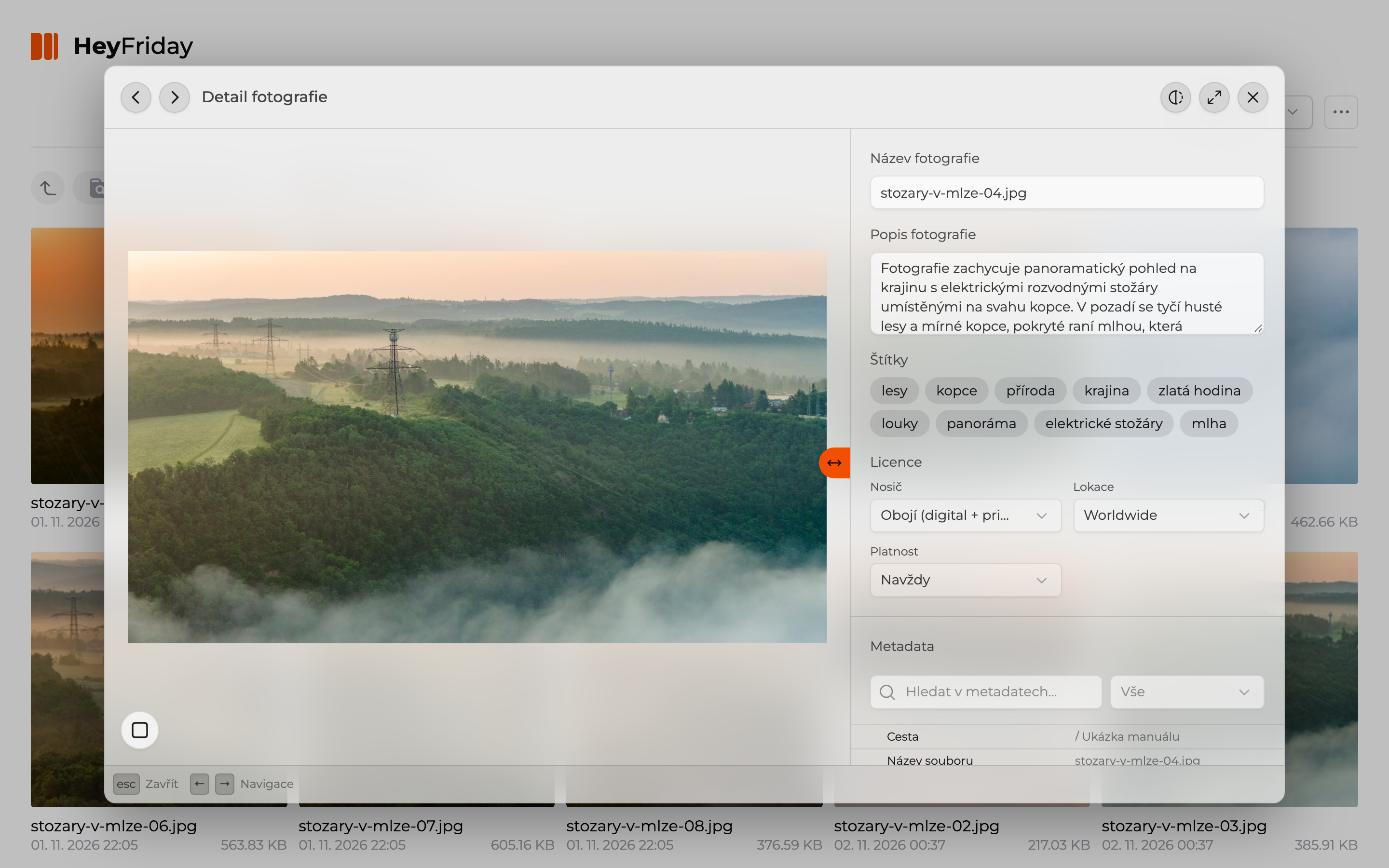
There is no download button on the sharing page — the recipient views the photos. If you need to provide them in full resolution, download them yourself (see Downloading photos) and send them.
Updated