

Getting Started
More options
 Discuss with Marie
Editing Your Account
Change your first and last name on the My Account page.
On the My Account page, you can see your organization and how much space it is using, and you can edit your basic information.
Open the user menu
At the bottom of the sidebar, click your name. In the menu, select My Profile.
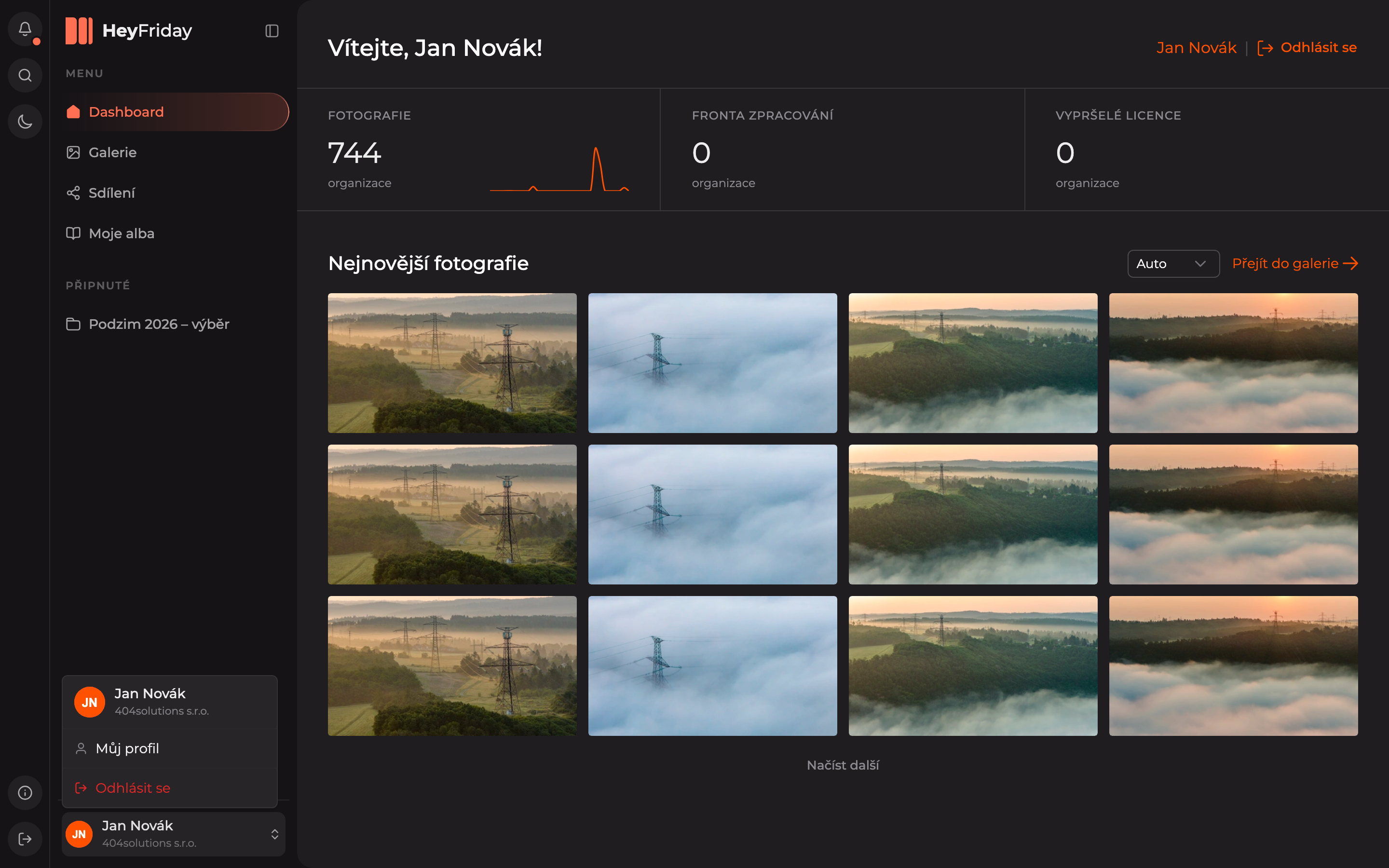
Edit your details and save
In the Basic Information section, overwrite the First Name or Last Name and click Save.
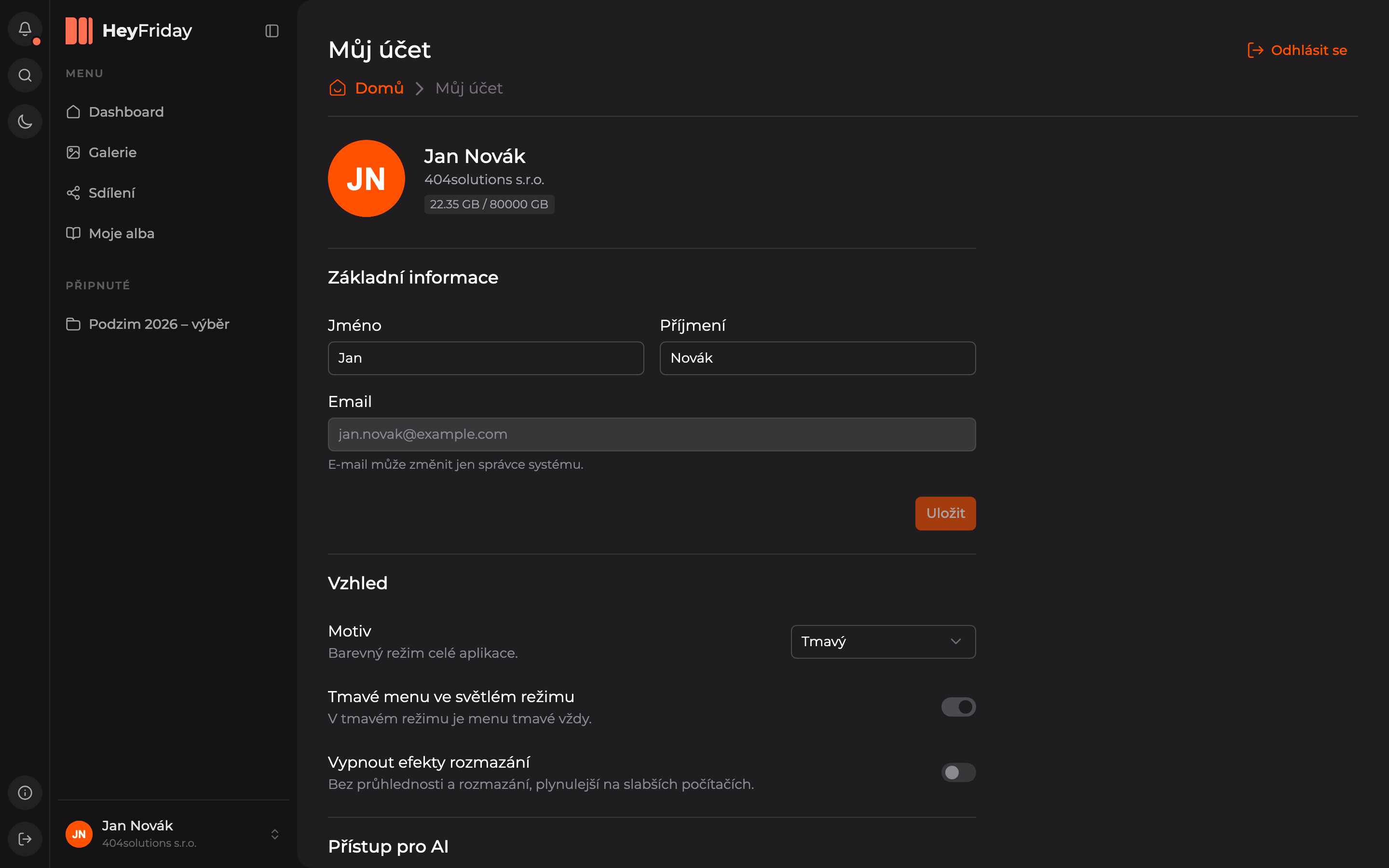
On the same page, you will also find:
- Appearance — theme and effects, see Application Appearance.
- AI Access — integration with AI assistants, see AI Access.
- Security — the Send password reset link button sends a link to your email to change your password.
The Delete Account button is disabled for regular users — only your organization’s administrator can delete an account.
Updated